TLPUR Video Generator Your photo. Their moves.
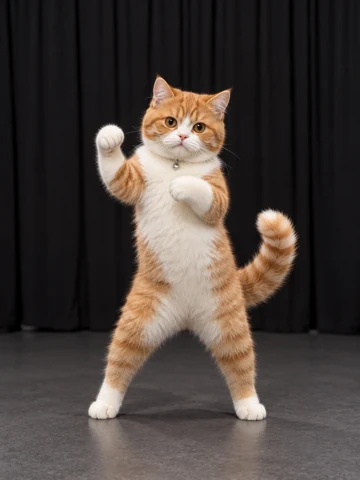
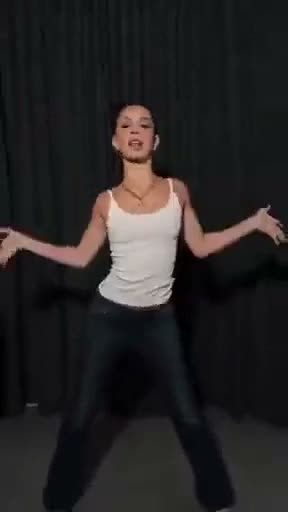
Sample
Add your characterUpload a photo to see your first frame.
Making your video
The pixels are warming up.
Usually ready in 5–10 minFind your next move.
How to make a TLPUR video
From your photo to a TLPUR-style edit
- Choose Motion remix and a reference motion, then add a clear character photo. Or use Imagine to describe a scene.
- Check the estimated credits and sign in to create. The video reference supplies the motion; the photo supplies the character.
- Download the completed video, or open the free style editor to add colors and a caption.
Rainbow glow
Choose the Rainbow preset in the style editor and adjust its intensity to give your clip the colorful TLPUR look.
DWBI caption
Use the DWBI caption suggestion or write your own inside joke. Adjust its position before exporting.
TikTok crop
Prepare a vertical 9:16 reference when you want a TikTok crop. Check the result's framing before sharing; generation and styling are separate steps.
Read the TLPUR meaning · Explore TLPUR examples · View credit options
Inputs & generation details
THE TLPUR STUDIO
The motion behind the meme.
A real motion-transfer example. Open the style editor to add colors and a caption.
SOURCE
CHARACTERGENERATED
YOUR COMPOSITION
Your composition
Choose a motion and character, then generate.
Original motionChoose a motion to begin
Choose a motion to beginLoading motion…
Choose a template from the left
Character photoThe video sets the motion and background. The photo sets the character.